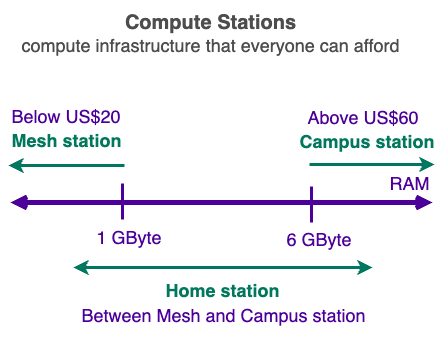
Campus Compute Station
Campus Compute Station (also referred to as "Campus Station" or just "CS") provide ULTRA RELIABLE compute power to your Own AI Teams.
Campus Compute Station (also referred to as "Campus Station" or just "CS") provide ULTRA RELIABLE compute power to your Own AI Teams.
Whether buying new or repurposing old computers, the following are the minimum hardware specifications for a Campus Station:
Note only x86-64 hardware is supported at the moment but support for ARM64 is planned.
To provide GPU resources to your Own AI Teams, you need to have a machine that has at least 2 PCIe x4 slots.
Most computers do not have 4 PCIe x16 slots like the Dell Precision Tower used in our example:
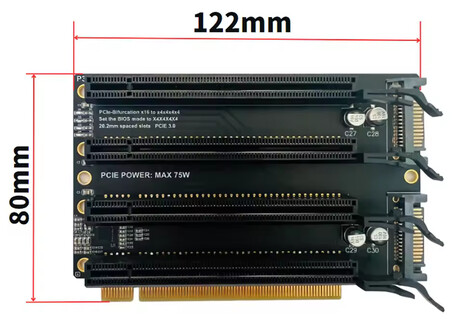
For the first AI Team Station in each region, we can provide a GPU expansion kit to you for free. So you can plugin up to 4 GPUs into a single PCIe x16 slot in your computer.