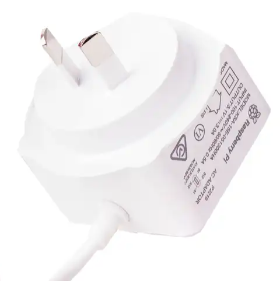
Home Station 2025a provides an upgrade path to people who has owned Radio Marker and are ready to start building up their own compute assets on their own sites (homes, offices, shops, factories etc.)
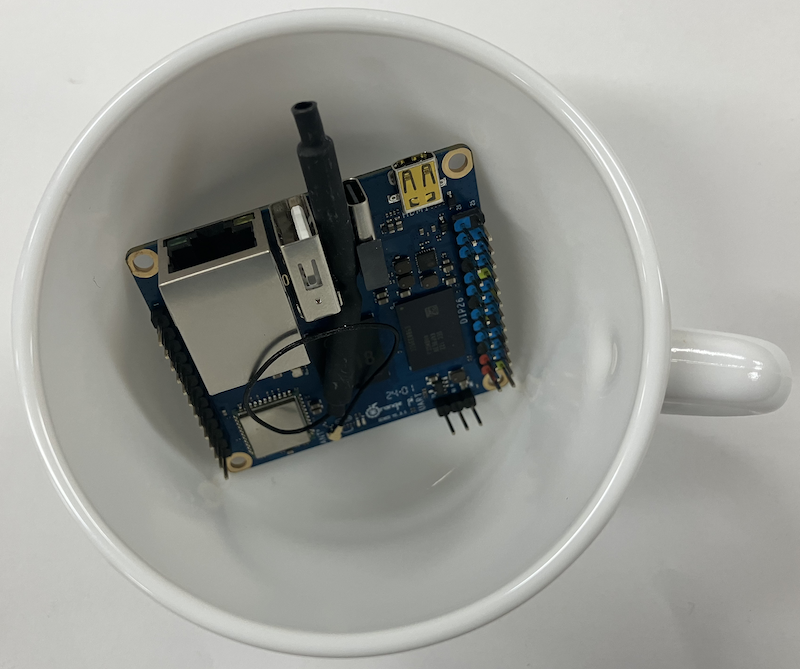
Home Station 2025a has much more fertures than Radio Marker but it still fits nicely inside a cup!
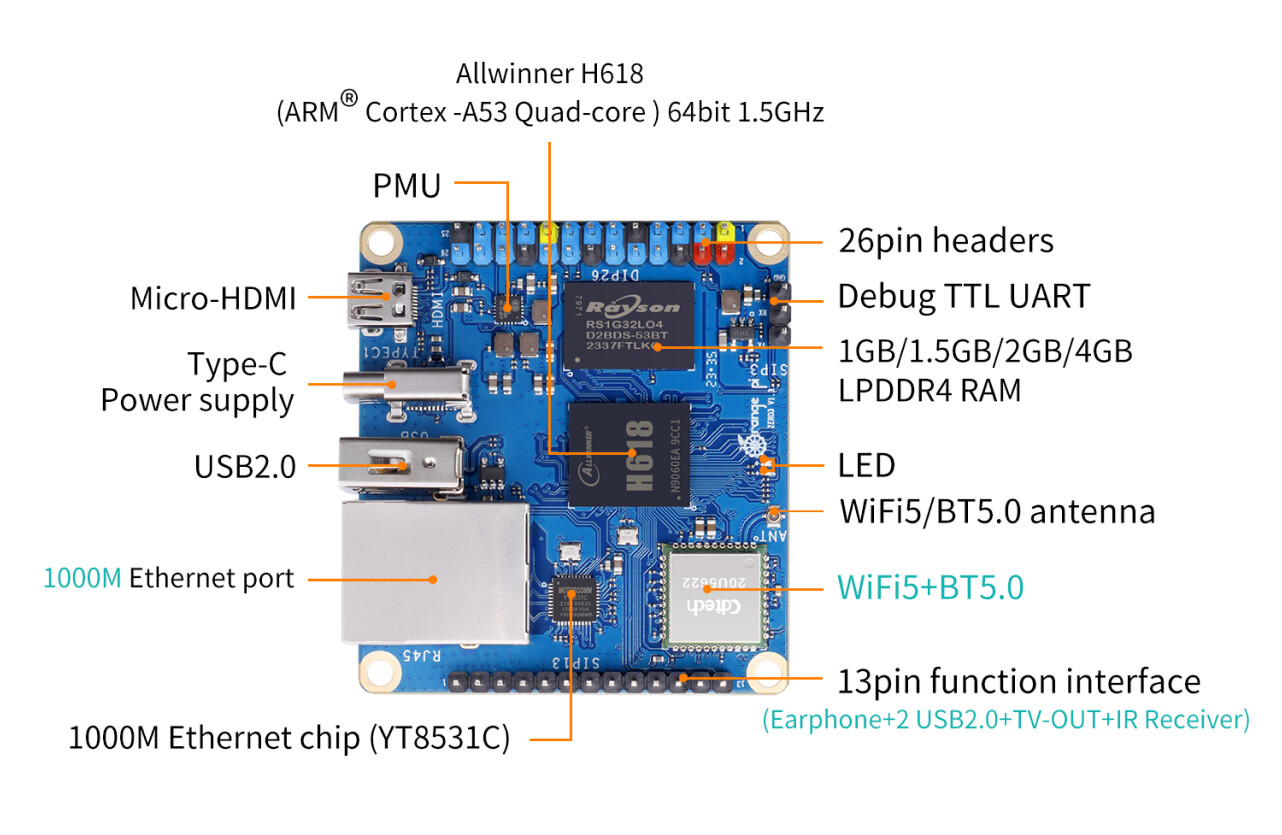
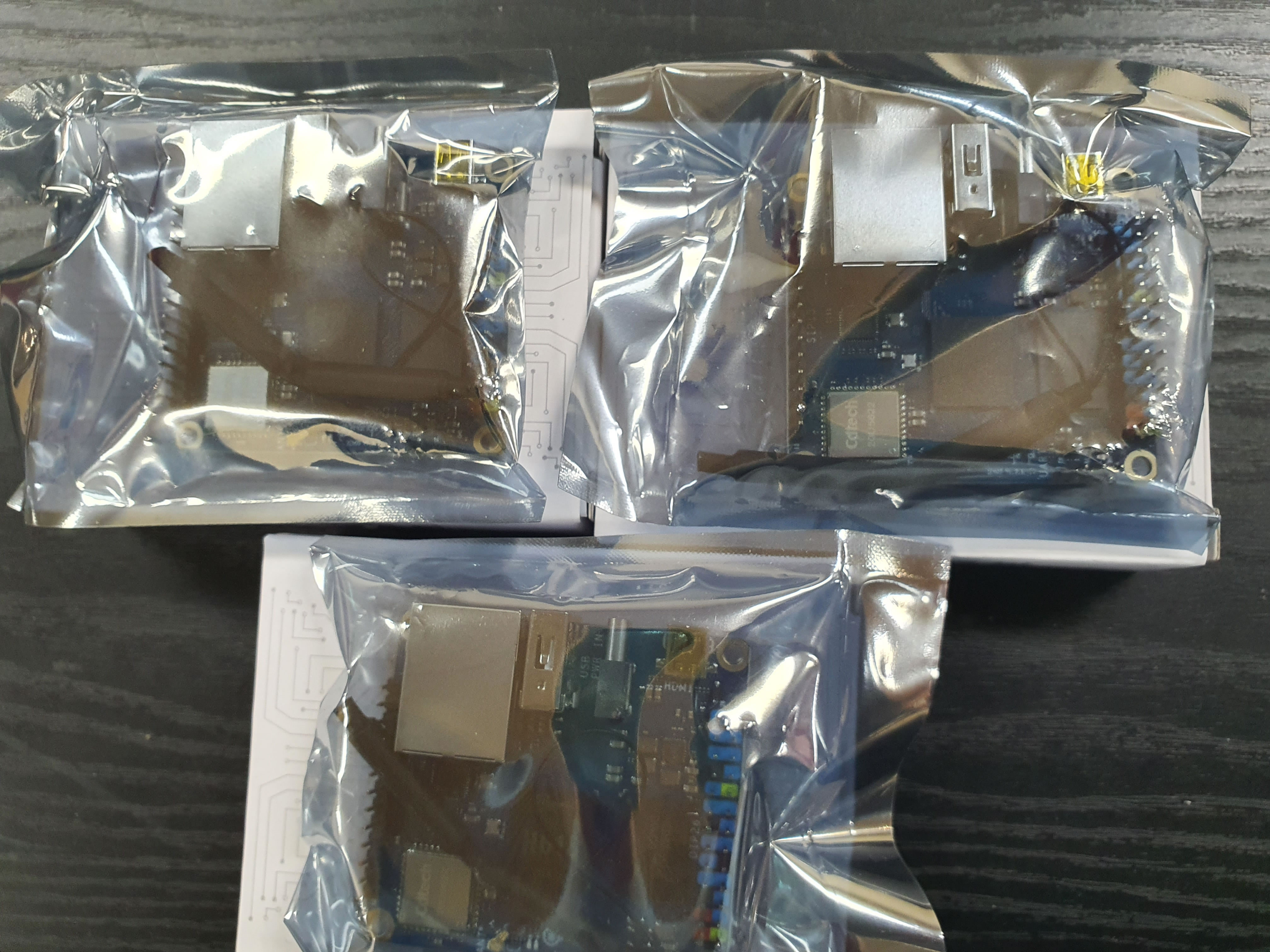
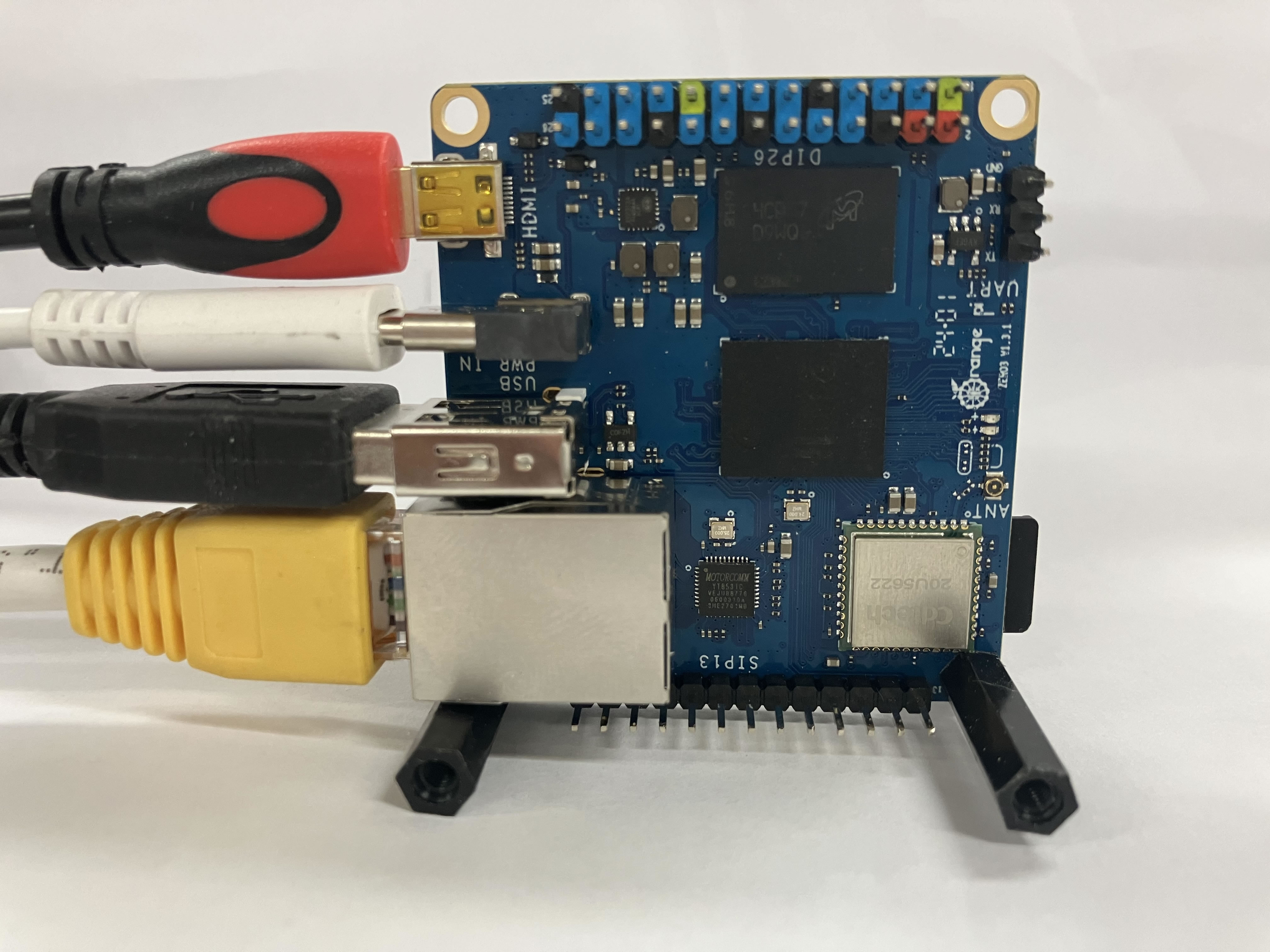
Orange Pi Zero 3
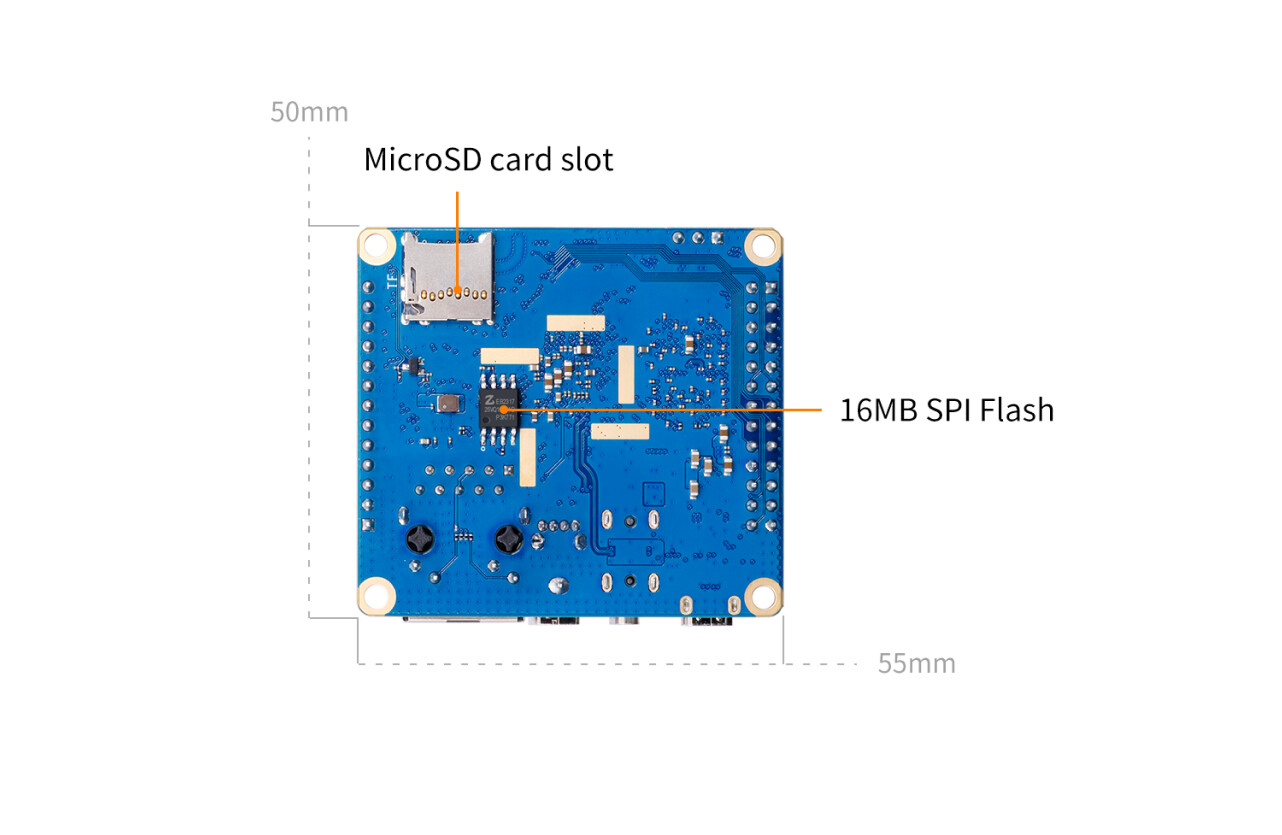
Home Station 2025a is based on the Orange Pi Zero 3 computer, with 4 GByte or of random access memory and 128 GByte of solid state storage, providing amazing price performance.
The H618 performance is much better than the RP3A0 processor used by Mesh Station 24d (Raspberry Pi Zero 2 W), especially when hardware encryption is used:
Review of a "sister" model from same producer that also uses H618:
Orange Pi Zero 3 has internal WiFi and Bluetooth radios based on the CDTech 20U5622 chipset. Adding extra radios is possible but not normally necessary.
If required, the Realtek RTL8821CU chipset is one option.
Orange Pi Zero 3 fully supports a native hardware watchdog. The Allwinner H618 System-on-Chip (SoC) contains an internal hardware watchdog timer peripheral. [1, 2, 3]
Because the H618 architecture is closely iterated from the earlier Allwinner H616 and H3 chips, it leverages the exact same mainline Linux kernel driver infrastructure. [3, 4]
Key Driver Details
Kernel Driver: The hardware uses the standard Allwinner SoC watchdog driver called sunxi_wdt.
System Nodes: Once recognized, Armbian exposes it identically at /dev/watchdog and /dev/watchdog0.
Maximum Hardware Timeout: Unlike the x86-based AMD chip which can stretch to minutes, Allwinner’s hardware watchdog has a maximum window of roughly 16 seconds before it enforces a hard reset. [3, 4, 5, 6]
Quick Armbian Configuration Steps
To initialize it on your Orange Pi Zero 3 running Armbian, the process is practically identical to your x86 platform, just swapping out the driver name: [3]
1. Verify the module is running:
lsmod | grep sunxi_wdt
(Mainline Armbian images usually compile sunxi_wdt directly into the kernel or load it automatically. If it isn't listed, add sunxi_wdt to /etc/modules). [4]
2. Check the device node exists:
ls -l /dev/watchdog*
3. Configure the Daemon:
If you use the watchdog package, modify /etc/watchdog.conf to direct to the device:
watchdog-device = /dev/watchdog
Because of Allwinner's hardware constraints, ensure your interval rate configuration doesn't exceed 10–11 seconds so it "pets" the timer safely before a timeout. [3, 5, 7]
4. Alternative (Systemd-Native Monitoring):
If you want to avoid installing an extra daemon package, modern Armbian configurations can feed the Allwinner watchdog directly through Systemd. Simply edit /etc/systemd/system.conf and uncomment/set:
RuntimeWatchdogSec=10s
Then reload via sudo systemctl daemon-reexec. [5]
Are you setting this up for a high-availability project (like a remote 3D printer host running Klipper or a headless VPN node)? I can provide a safe loop script to test if the board physically restarts upon simulated kernel freezes. [8]